Fewchore Mobile App

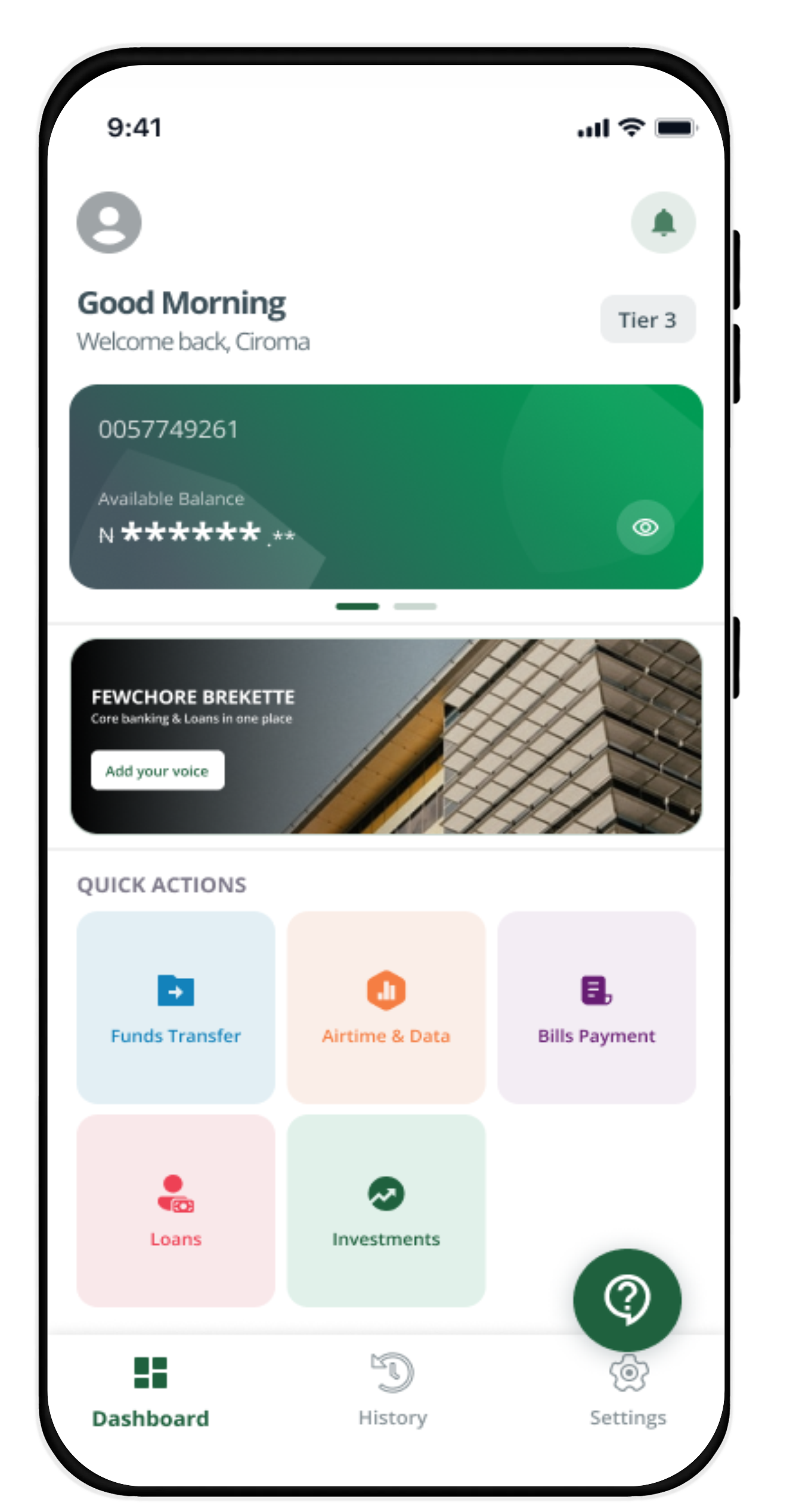
Your one-stop financial solution from Fewchore Finance for funds transfer, bills payment, accessing short or long term loans, investing of funds, and saving on the go.

Fewchore Mobile

Welcome to the
Fewchore Finance Mobile App

Your One-Stop App for Everyday Financial Solutions

Access financing solutions for personal and business needs, grow your wealth through competitive investment offerings, make payments and build investment plans tailored to your goals, all in one secure and convenient app.

APP FEATURES

Enjoy a Secure, Convenient, and Reliable Financial Experience

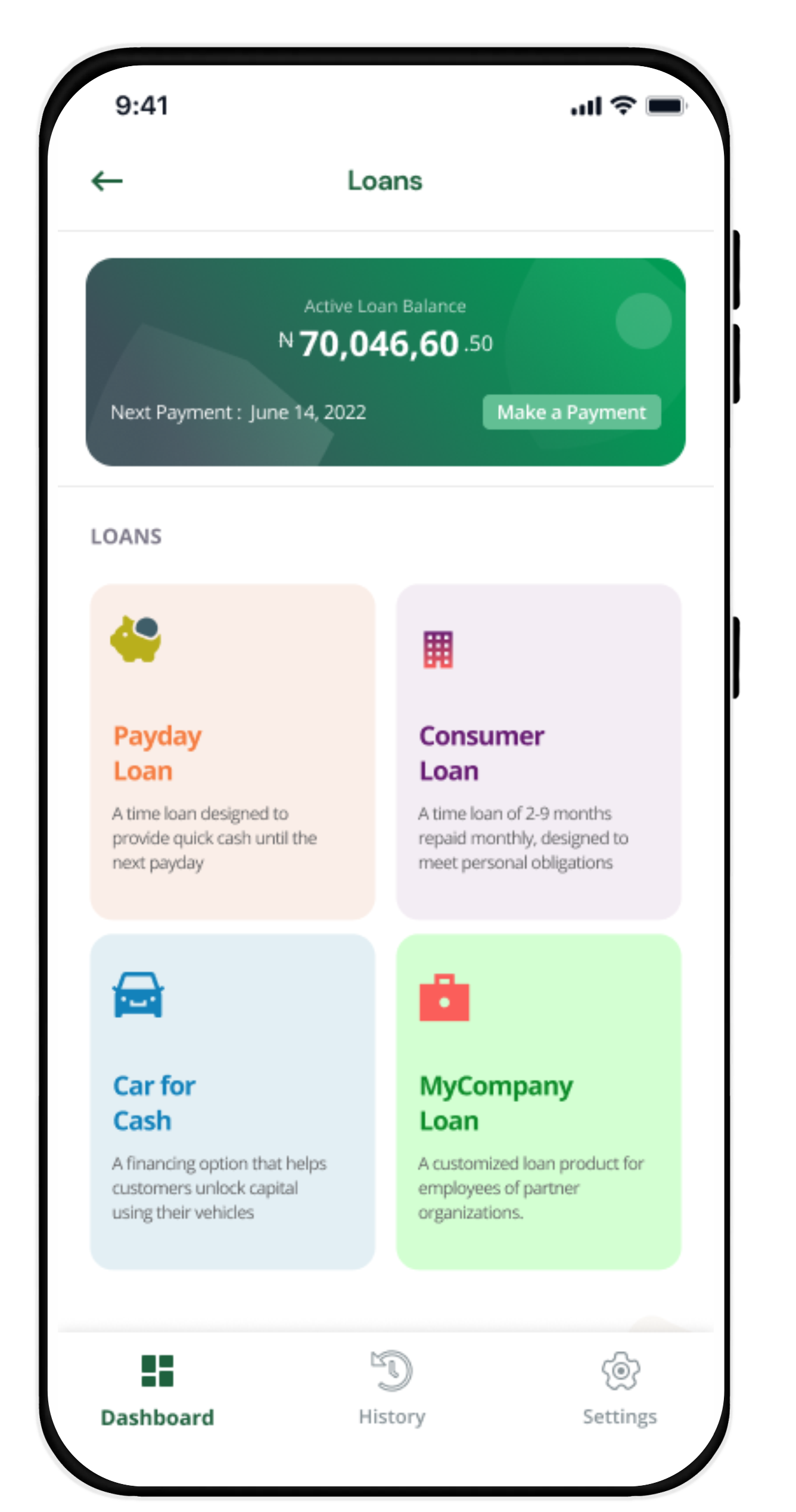
Instant Loans

Access a range of financing solutions tailored to your personal and business needs. View facility history, monitor repayment schedules, and manage your finances seamlessly through the Fewchore Mobile App, anytime and anywhere.

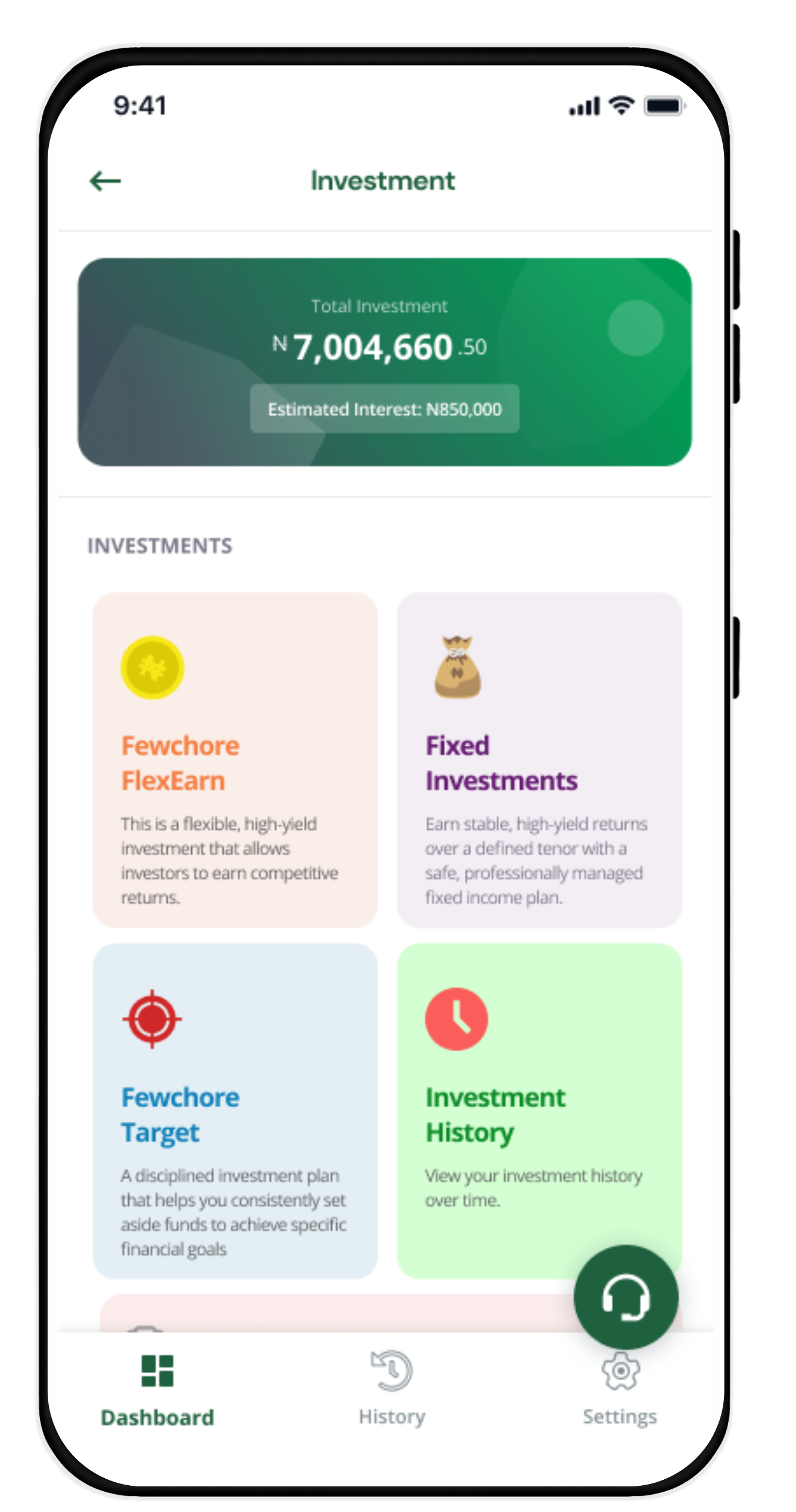
Smart Investment Solutions

Explore flexible investments options, all in one convenient platform designed to support your financial growth.

Mobile screen showing a sign-up form with fields for name, phone, birthdate, gender, email, and password.
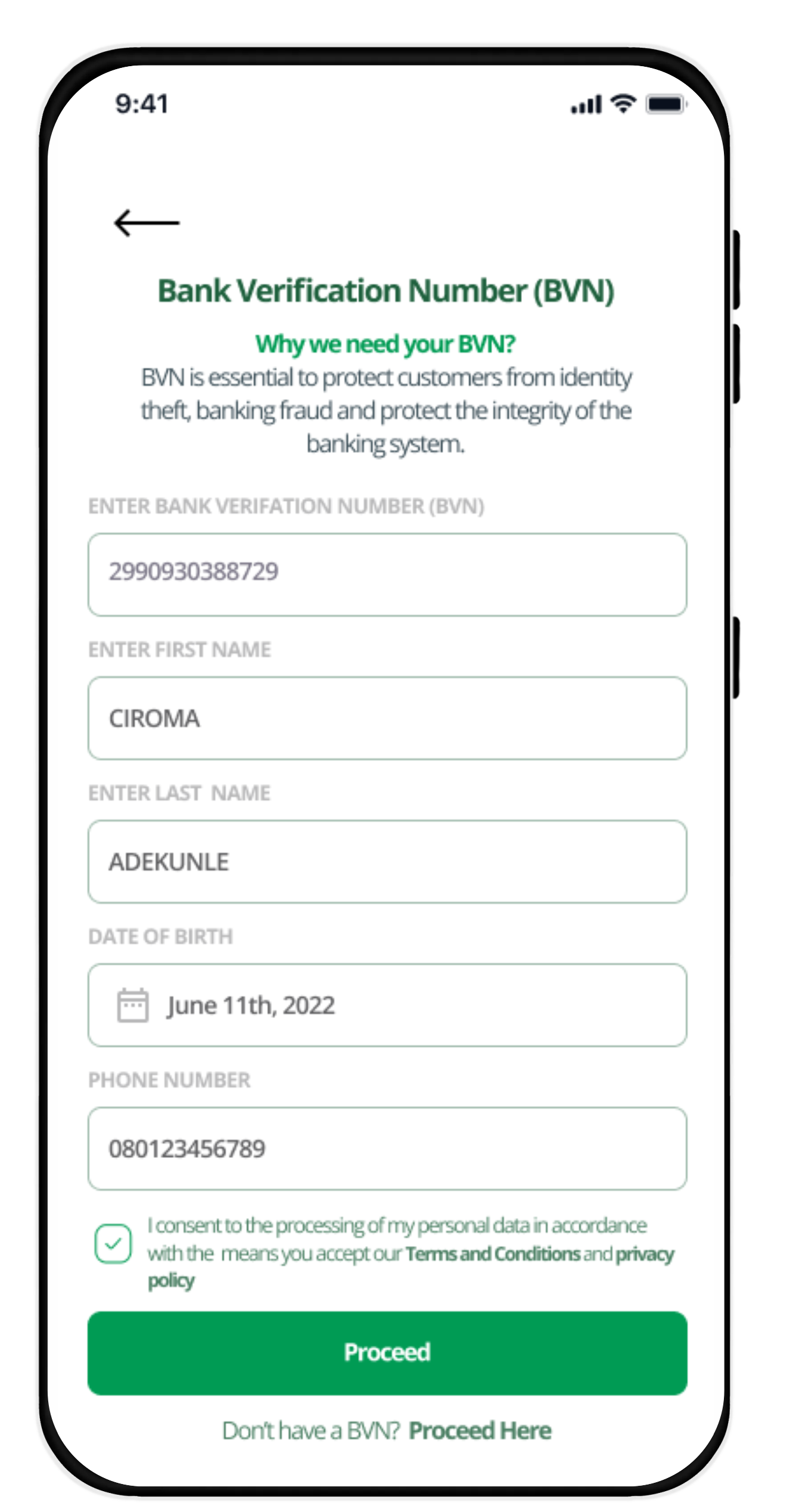
Phone screen showing BVN verification with masked OTP input and a proceed button.
Phone screen showing an app with a checkmark and text: Congratulations! Welcome to fewchore.

STEP-BY-STEP GUIDE

Start Your Financial Journey in Three Simple Steps:

Create your account by completing your profile.
Verify your identity securely using your BVN and OTP.
Explore financing and investment solutions tailored to your needs.
Your Security is our Priority
Enjoy fast transactions
FEWCHORE MOBILE

All Your Financial Needs in One Convenient App

Frequently Asked Questions

How do I apply for a loan on the Fewchore Mobile app?
Green Caret

After downloading the app, sign in or sign up with your official email address to identify yourself as a salary earner. This will take you to our brief registration/application forms. Complete an application with valid information, and then determine how much you would like to borrow.

How do I verify my BVN?
Green Caret

If you have successfully signed up on the app, simply Click on the ‘more’ button on the lower right-hand side of your device screen, click on your profile then scroll down to BVN, click and input your BVN into the space provided. Once this is done, click on update and then restart the app

Why was my loan application rejected?
Green Caret

There are a few reasons behind loan application rejections:

  • You registered with an unverifiable work email. Only work emails are acceptable; For example: name@institutionname.com
  • Your bank account doesn’t have sufficient data or transactions for credit score checks.
  • You may have provided invalid details.
How do I update my official email address if the email I profiled is wrong?
Green Caret

Logon to your dashboard, click on the ‘more’ button on the lower right-hand side of your device screen, click on your profile then scroll down to office email, click and input the email address into the space provided. Once this is done, click on update and then restart the app.

How can I add my bank and card?
Green Caret

Logon to your dashboard, click on take a loan, input the loan amount, repayment or salary pay day then validate your official email. Once your email has been validated, input your salary domiciled bank account as well as the corresponding ATM card. Add an alternative or second bank and ATM card to proceed.

No OTP was sent to my official email, what should I do?
Green Caret

Check your spam or junk folder for the OTP and in a case where you did not receive the OTP, kindly contact your mail server administrator to whitelist or add info@fewchorefinance.com as a safe sender on your company’s mail server

I don't have access to the company email, what do I do?
Green Caret

You must have access to your official email address to apply for loan on FewchorePay app. This is a means of verifying that the applicant is still a staff in the organization where he/she works.